ZYLENA MOUSE PRO SOFTWARE
Two buttons.
Endless shortcuts.
Stop repeating clicks and key combos. Turn your mouse side buttons into smart shortcuts for every app and website you use.
Stays free forever, even without Premium. Global Nav and Copy-Paste never expire.
Windows app · Works with any mouse that has two side buttons (the Back and Forward buttons)
SEE IT IN ACTION
What if your mouse side buttons were an entire keyboard?
Skip complex key combos. One side-button click does the work, tailored for every app you use.
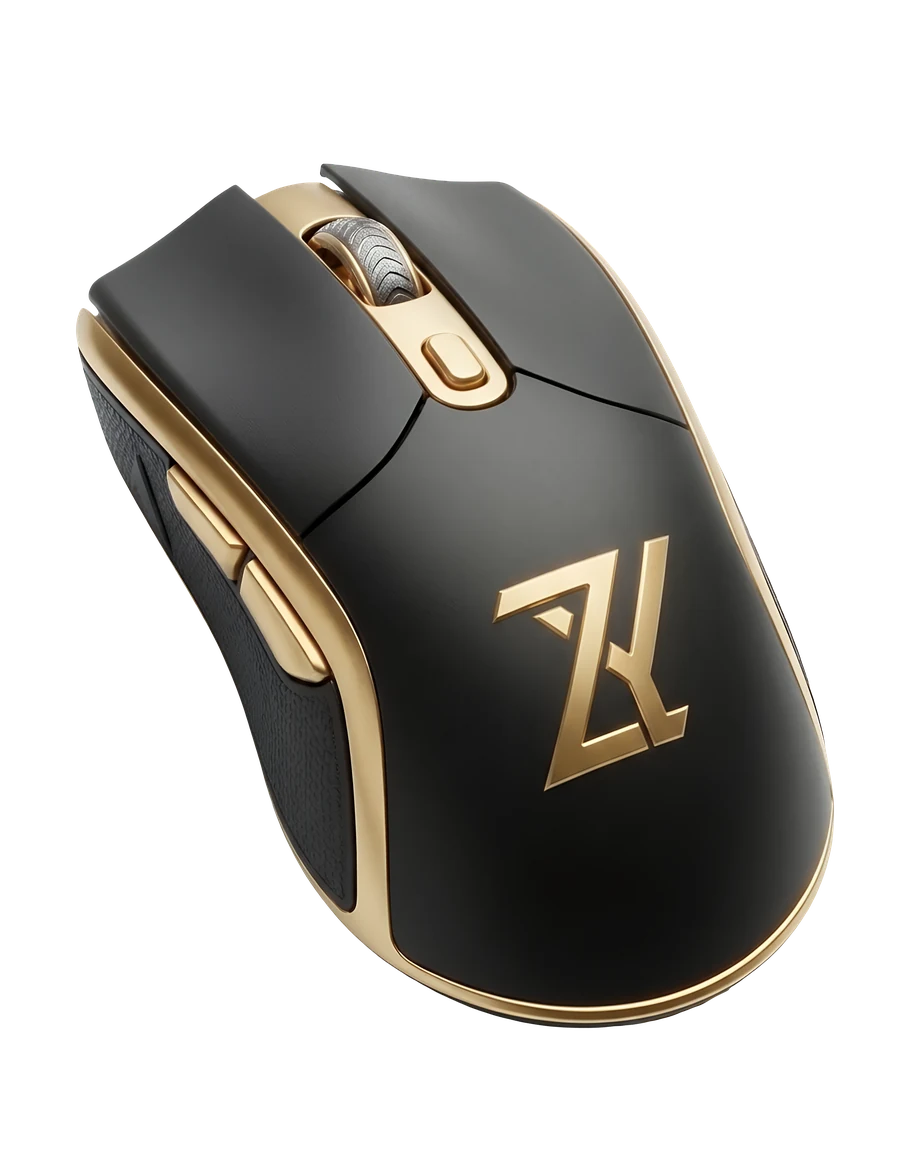
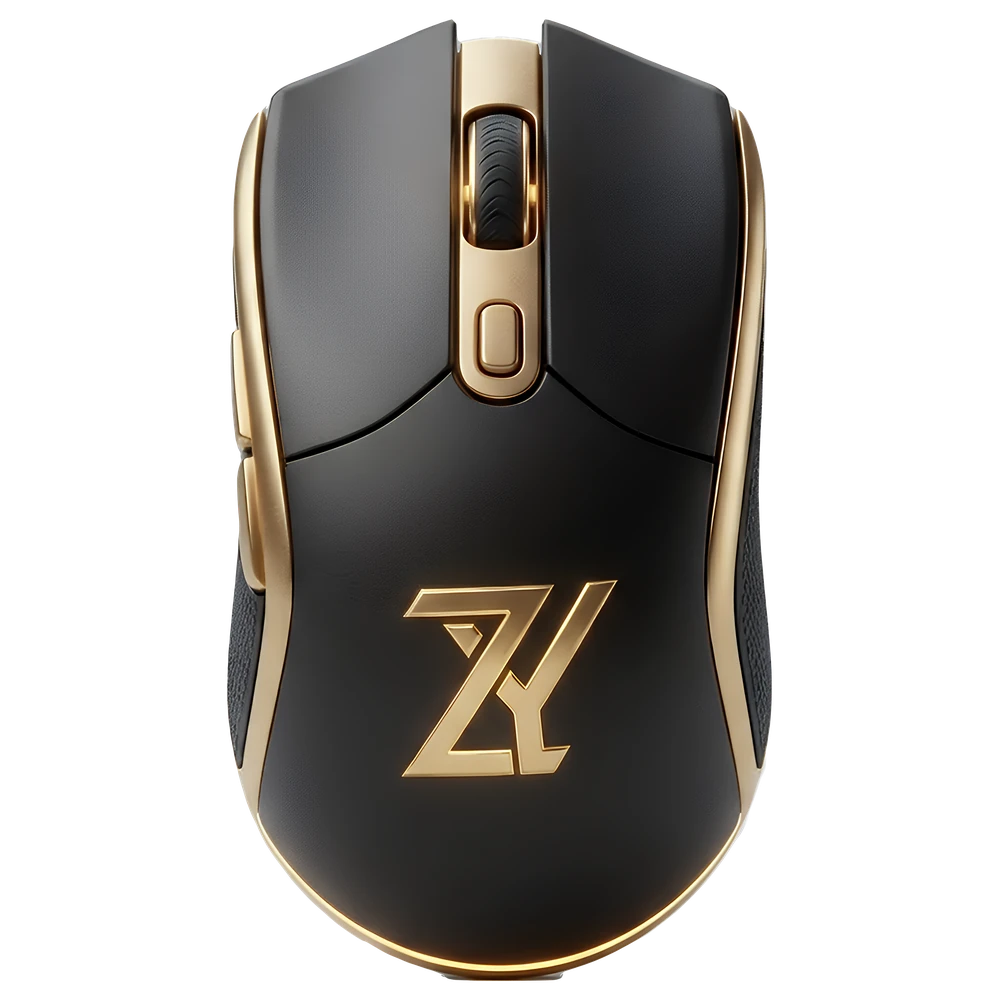
Mouse shown for illustration, not for sale. Don't have one?
Any online shop you already use — Shopee, Lazada, TikTok Shop, or your favorite electronics store. Search for "5 button mouse" or "mouse with side buttons" and pick one you like; the price and brand don't matter, as long as it has two side buttons.
FUNCTION HUD
Try it: drag Opacity, pick a Text color, or open the Config dropdown - every configuration has its own shortcuts.
These are just examples - you build your own.
- Add any app or website as its own profile.
- Record any shortcut for each side button - even multi-key sequences.
- Create as many layers as you need, each opened with its own trigger key.
- Keep several configurations per profile and switch between them from the Function HUD.
TRY IT YOURSELF
Set up in seconds
Five quick steps - follow them in the window below and try it yourself.
A profile is the app or website you are using. A layer is an extra set of shortcuts on the same two buttons - hold Ctrl for Layer 2.
Don't have a mouse with side buttons yet? Once ZYLENA is installed on your PC, right-click its tray icon and choose Emulate 5-Button Mouse - a feature inside the app itself. Hold CapsLock and scroll (or press the Up/Down arrow keys) to trigger your shortcuts, no side button needed.
- Step 1Choose your profile, for example Canva.
- Step 2Choose the mouse side button - XB1 or XB2 (see the mouse on the right).
- Step 3Name your shortcut (function), for example Copy.
- Step 4Click Record Shortcut, then press Ctrl + C.
- Last stepClick Apply - that's it!
 ZYLENA Mouse Pro - User Settings
DEMO
–□✕
ZYLENA Mouse Pro - User Settings
DEMO
–□✕
USER SETTINGS
Click RECORD and hold your combo (e.g. Alt+Shift), or type it directly.
CapsLock is reserved; bare Ctrl is reserved but Ctrl+key combos are fine.
XButton1 / XB1 = rear side mouse button, usually Back.
XButton2 / XB2 = front side mouse button, usually Forward.
SET CUSTOM FUNCTION
Name the function, choose press type, record shortcut, then click Apply.
Examples: Ctrl + C, Ctrl + V, Ctrl + Alt + Shift + A, Shift + MButton, G + MButton
To fix a wrong key: click the Shortcut box above, then press Backspace to remove the last one.
Example: Copy, Paste, Pan, Rotate
Tap = click, release.
Drag = hold and move mouse.
Long Press = repeating clicks while held.
Sequential = taps each key one at a time (e.g. Excel's Alt, H, A, C).
Press up to 4 keys in a row (for example Alt, H, O, I). Recording finishes about a second after your last key, or right away at 4 keys or a mouse button.
- Shortcut: Press Ctrl + Alt + K anytime to open this window.
- Layering: normal XButton uses 1st Layer; hold Ctrl + XButton for temporary 2nd Layer; Ctrl + CapsLock + XButton locks or unlocks 2nd Layer.
- Apply: selected button will use your custom function for the selected layer only.
- Reset Selected Button: only the chosen button and chosen layer return to default.
- Factory Reset: deletes Settings.ini entirely and restarts ZYLENA with a completely fresh, original setup.
- Taskbar Prompt: show or hide the small popup for the selected profile.
VOL
A demo of the real User Settings window - nothing here is saved.
YOUR EFFICIENCY SCORE
Watch your saved clicks pile up
The Efficiency Dashboard counts every click and key combo your side buttons save you - by day, week or month.
CLICKS SAVED
3,278+412 vs Yesterday5-Day StreakACTIVE TIME
3h 42mIdle auto-pauses after 30 secondsELITE OPERATOR RANK
AVERAGE HOURLY RATE886RECLAIMED VALUE
- Time Saved Today
- ~1h 14m
- Combos Bypassed
- 1,642 Triggers
- Hand Travel Saved
- 512 Times
- Full-Day Estimate (8 hrs)
- ~7,088 Est. Saves
TOP PROFILES BENEFITED
View math formula
How the numbers are worked out
Each time you press a side button, ZYLENA counts three things. Then it turns them into time.
Clicks Saved
The keys you did not have to press.
keys in the shortcut - button presses you used
Ctrl + Shift + K is 3 keys. One side-button press does it, so you save 2.
Hand Travel Saved
Counts 1 when the shortcut uses a far-away key: Delete, Backspace, Home, End, the arrow keys, Page Up, Page Down or F1 to F12.
Otherwise it counts 0.
Combos Bypassed
Counts 1 each time a shortcut saved at least one key press.
If nothing was saved, it counts 0.
Turning it into time
Every click saved is counted as 1.3 seconds, and every hand travel saved as 0.4 seconds.
Time Saved = (Clicks Saved x 1.3) + (Hand Travel Saved x 0.4)
Example: 2 clicks saved and 1 hand travel saved = (2 x 1.3) + (1 x 0.4) = 3.0 seconds.
Projecting a full day
Your average rate is your Clicks Saved divided by your Active Time. You choose how many hours you work.
Projected Clicks Saved = Average Rate x Work Hours
Check the example above
3,278 clicks x 1.3 + 512 hand travels x 0.4 is about 4,466 seconds, or roughly 1h 14m. And 886 clicks an hour over 8 hours is about 7,088.
These are estimates based on average times, not a stopwatch measurement. Keys you still press to reach a layer, such as Ctrl for Layer 2, are not counted as saved.
Example numbers from a 3h 42m session. Time saved is an estimate: about 1.3 seconds for each click saved.
WHO IT IS FOR
One mouse,
tuned to your profession.
Add exactly the apps and websites you use — no pre-loaded profiles to memorize, just the shortcuts you asked for.
These are just examples. ZYLENA works with any app or website, on any Windows PC with a mouse that has two side buttons (XButton1 & XButton2).
Office & Data Entry
Add Word, Excel, PowerPoint, and Outlook as their own profiles for one-press Copy/Paste and navigation shortcuts — no more reaching for Ctrl+C on repeat.
Virtual Assistants
Add Gmail, Trello, Notion, and your client spreadsheets as their own profiles, so switching between tasks feels instant — a steady companion when deadlines are tight.
Graphic Designers
Add Photoshop, Illustrator, InDesign, and Lightroom Classic as their own profiles, mapping your side buttons to the tools you reach for most, so your left hand can stay on the modifier keys instead of reaching across the keyboard.
Video Editors
Add Premiere Pro, After Effects, DaVinci Resolve, and CapCut as their own profiles for scrubbing and edit shortcuts, ready the moment the app is in focus.
3D & CAD Artists
Add Blender, Maya, 3ds Max, SOLIDWORKS, and Revit as their own profiles with dedicated rotate and pan behavior, so your side buttons behave like a second hand on the viewport.
Developers
Add VS Code, Visual Studio, or any JetBrains IDE as their own profile for navigation shortcuts, so you can jump around a codebase without leaving the mouse.
Audio Producers
Add FL Studio, Ableton Live, Pro Tools, and Reaper as their own profiles for transport and edit shortcuts, tuned for fast, hands-on mixing.
Remote Teams
Add Microsoft Teams, Zoom, Slack, and Discord as their own profiles for one-press camera and mute toggles — and ZYLENA is smart enough to tell when you're typing instead of in a call.
CREATE ACCOUNT
Create your free account.
Get free full access for 30 days. ZYLENA stays free afterwards with Global Nav and Copy-Paste. Request your activation code below, then activate it in the launcher.
- 1Get your activation code
Enter your email above. Your activation code arrives in your inbox (check spam too).
- 2Install ZYLENA
Download the launcher from the Microsoft Store.
Download from Microsoft Store - 3Activate
Open the launcher, enter your email and the activation code, then press ACTIVATE.
We only use your email to send this code.
PREMIUM ACCESS
Keep full access
after your free trial.
Everything is unlocked during your 30-day trial. Premium keeps full access going — pay via GCash or Maya, send your payment proof, and your activation code follows by email once we verify it.
ZYLENA MOUSE PRO
Premium
Renew manually each month — no auto-charge, pay again whenever you're ready.
- Everything from your Premium Trial, uninterrupted
- Unlimited app & website profiles
- Unlimited shortcut layers
- Up to 2 PC seats
- Efficiency dashboard
GCash · KE**T ZE***L G. · 0915 168 6452
Always confirm the recipient details shown in your GCash or Maya app match what's listed here before sending payment.
- Send the amount shown above to the account listed, using GCash or Maya.
- Screenshot your payment confirmation.
- Send the screenshot by email or Messenger, together with the email address you'll use to activate in the ZYLENA Launcher.
Activation codes are issued manually after we verify your payment, usually within a few hours.
Not ready yet? ZYLENA never locks you out — Global Nav and Global Copy-Paste keep working free, and your profiles are kept safe until you activate.
BEFORE YOU BEGIN
Clear answers,
no fine print.
Are you selling a mouse, or software?
Software only — we don't sell physical mice. ZYLENA Mouse Pro is a Windows app that turns the side buttons on any mouse you already own into smart, app-aware shortcuts.
Do I need a special mouse?
No. ZYLENA Mouse Pro works with any Windows mouse that has two side buttons (XButton1 and XButton2, usually Back and Forward) - budget or premium, any brand.
Where can I find a mouse with side buttons?
Any online shop you already use — Shopee, Lazada, TikTok Shop, or your favorite electronics store. Search for "5 button mouse" or "mouse with side buttons" and pick one you like; the price and brand don't matter, as long as it has two side buttons.
Is ZYLENA safe to install and use?
Yes. ZYLENA Mouse Pro is distributed through the Microsoft Store and runs on your own PC. Your button shortcuts are handled locally, and we do not collect your keystrokes, your browsing activity, or the content of the files and apps you use it with. The only information we keep is what your license needs: your email, a one-way code made from your PC (it cannot be turned back into your hardware details), your computer name, and the app version. The full list is in our Privacy Policy.
Will ZYLENA work alongside my mouse's own software (Logitech, Razer, Ajazz, etc.)?
Yes, as long as your side buttons are left as the default Back/Forward in that software rather than remapped to a custom macro or keystroke. ZYLENA listens for the same standard Windows signal those buttons send by default — if your mouse software intercepts them and sends something else instead, ZYLENA never sees the click. Set your side buttons back to default Back/Forward in your mouse's software and ZYLENA takes it from there.
Does Mouse Pro need constant internet?
Internet is required for activation, licensing checks, and downloads. Your installed mouse shortcuts are designed to continue working locally.
What happens when my trial ends?
You're never locked out. ZYLENA switches to Free Mode, where Global Nav (Back/Forward) and Global Copy-Paste keep working indefinitely at no cost.
Your profiles and shortcut layers aren't deleted — they're kept exactly as you left them, and they come straight back the moment you activate. Premium is what unlocks creating and editing them again, along with User Settings.
Can I create profiles for websites?
Yes — any website works. Add a profile for any domain you use — canva.com or an online spreadsheet — and ZYLENA switches to it automatically when that site is open. Website profiles work alongside app profiles for software installed on your PC.
FROM VERIFIED CUSTOMERS
What activated users say.
Every rating below comes from someone who actually activated ZYLENA with a real trial or premium code - no anonymous reviews.
Be the first activated customer to leave a rating.
Rate ZYLENA
Only customers who've activated a trial or premium license can submit a rating - verified with the same email and activation code you use in the ZYLENA Launcher.
Leave an honest rating and receive a +7 day license reward—or +15 days when you add a comment.
READY WHEN YOU ARE
Try every feature free for 30 days.
Claim your free activation code (no password needed), install ZYLENA from the Microsoft Store, then activate and enjoy 30 days of full access.